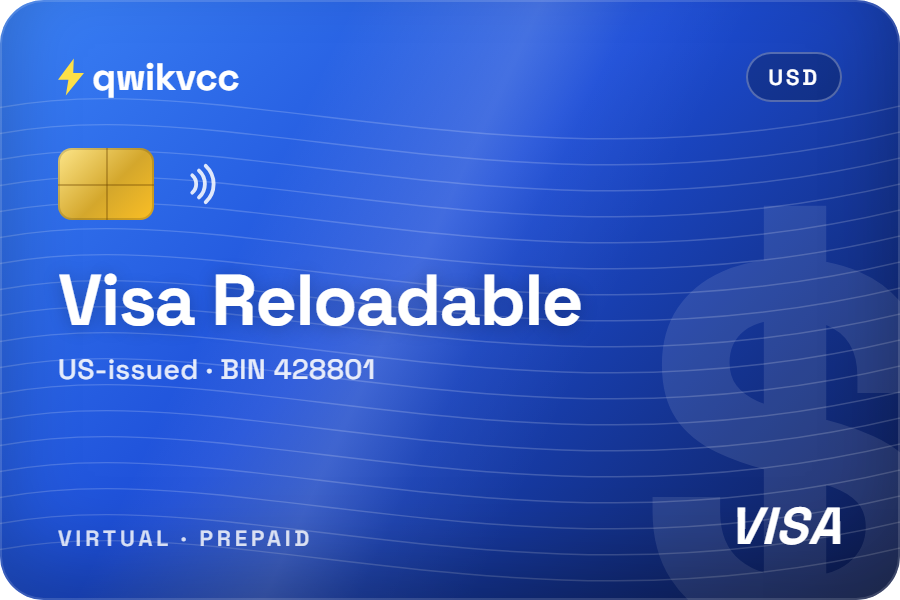
Virtual Visa Reloadable
Set up for subscriptions and ad accounts. A good fit for a steady ad budget with auto-recharge.
$200 one-time price
View card
Talk to us
Questions about a card or an order? Pick how you'd like to reach us.



Fund a Microsoft Advertising (Bing Ads) prepay account with a prepaid, reloadable US Visa or Mastercard from Qwikvcc. Buy it with crypto, add funds in Microsoft Advertising, and let auto-recharge top up your ad balance while the card has money on it.
Qwikvcc is not affiliated with Microsoft. Microsoft decides which payment methods it accepts for each account.
Yes, on a prepay account: Qwikvcc customers fund Microsoft Ads prepay accounts with these cards. Microsoft's own payment tables say prepaid cards "can only be used to fund prepay accounts". They aren't accepted for postpay (threshold) billing or monthly invoicing, and not for accounts in India. Brazil accounts also need a card in Brazilian reais. So set your account to Prepay, add the card, then add funds. Microsoft's payment methods
Answer three questions. We'll tell you whether a Qwikvcc prepaid card fits, based on Microsoft's published rules.
Microsoft offers two ways to pay with a card. A prepaid card only works with one of them.
You can switch an account between prepay and postpay threshold at any time. Sources: how billing works, billing threshold.
Set your daily budget, the amount Microsoft charges each time it recharges, and how much is on your card. See when Microsoft tops up your ad balance and when you'd need to reload the card.
Simplified example with steady daily spend. Keep a few dollars extra on the card: Microsoft makes a small verification charge (about $1) when you add it. Source: add funds and auto-recharge.
Microsoft lists Visa and Mastercard for USD accounts. These cards are US-issued, prepaid and reloadable, in USD.
Set up for subscriptions and ad accounts. A good fit for a steady ad budget with auto-recharge.
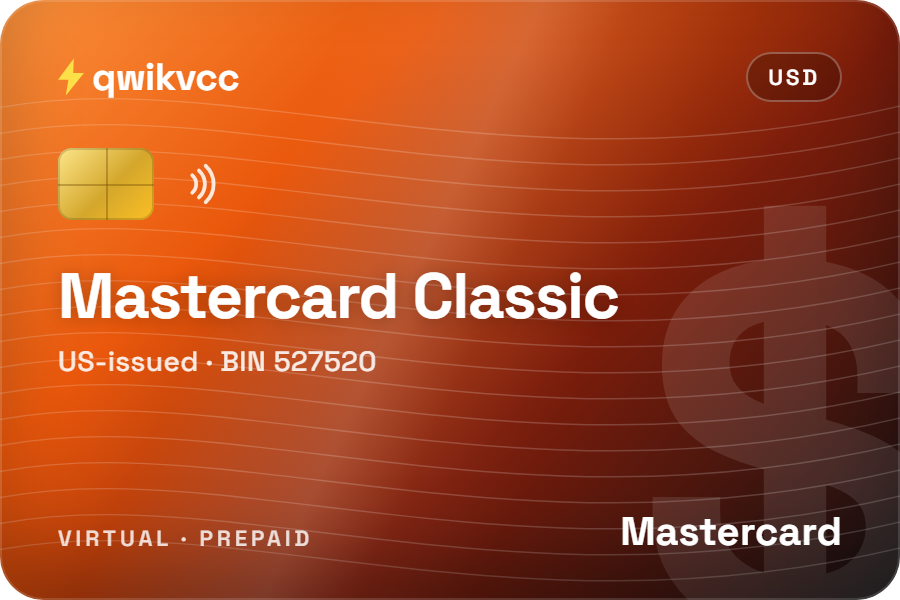
The lower card price, and a Mastercard if you'd rather not use Visa.
Want to know a card's starting balance, reload fees or limits? Ask Qwikvcc support before you buy.
Only a Super Admin of the account can add or change payment methods.
Pick what you're seeing. Each answer follows Microsoft's own troubleshooting guide.
Stop after two failed tries. Microsoft says an account with too many declined payments can become inactive and can't be reactivated. Check the fix below, or contact Qwikvcc support, before trying again.
For US accounts in USD, from Microsoft's payment tables.
| Qwikvcc prepaid card | Credit or debit card | PayPal | |
|---|---|---|---|
| Prepay accounts | Yes | Yes | Yes |
| Postpay (threshold) | No | Yes | No |
| Auto-recharge | Yes, while the card has funds | Yes | Yes |
| Most Microsoft can charge | Only what's on the card | Your limit or bank balance | Your PayPal funding source |
| Needs a bank account | No | Yes | A linked bank or card |
| Pay with crypto | Yes: fund your Qwikvcc balance | No | No |
| Watch out for | Reloading before auto-recharge runs | Overspending | Currency conversion fees |
Bank transfer and monthly invoicing are also offered for some accounts. Source: Microsoft payment methods, United States.
Add funds to your Qwikvcc balance with crypto, then buy the card from your balance. Some coins add a small fixed network fee on top, shown before you pay. The card details appear in your dashboard as soon as you buy, never by email.
Full pricingIf your account is suspended, follow Microsoft's verification and appeal process.
Microsoft 365 and Azure are billed separately. Microsoft Advertising has its own billing in ads.microsoft.com. Paying for Microsoft 365 or Azure uses a different system with its own payment rules, so this page covers ads only.
Not sure a card fits your account? Ask before you buy.
Contact supportYes, on a prepay account. Microsoft accepts prepaid cards only to fund prepay accounts. They aren't accepted for postpay (threshold) billing, monthly invoicing or accounts in India.
The most common reasons are a prepaid card on a postpay account, details that don't exactly match the card, a card number typed with spaces, or not enough money on the card for the top-up plus any tax. Fix the cause before you try again: too many declined payments can make an account inactive.
With prepay you add funds first and Microsoft deducts your clicks from that balance. With postpay Microsoft charges your card after you spend, when you reach your billing threshold or on your monthly billing date. You can switch between them at any time.
On a prepay account, Microsoft charges your card again when your balance falls to 20% of your recharge amount. Keep enough on the Qwikvcc card for each recharge, or your ads pause when the balance runs out.
Card payments usually show straight away, but Microsoft says they can take up to 24 hours.
When you add a card, Microsoft makes a small verification charge and removes it within a few days. Keep a little extra on the card so it goes through.
Microsoft doesn't take crypto directly. With Qwikvcc you add funds to your balance with a coin such as USDT or Bitcoin, buy a virtual card from that balance, and use the card to fund your prepay account.
Yes. Microsoft lets one card be the primary payment method for up to 20 accounts. Each account still needs its own funds.
This page covers Microsoft Advertising only. Microsoft 365 and Azure are billed in a different system with their own payment rules.
Pick a Qwikvcc card, set your account to Prepay and add funds in a few minutes.
Microsoft Advertising and Bing are trademarks of Microsoft Corporation. Qwikvcc is not affiliated with, endorsed by or sponsored by Microsoft. Microsoft facts on this page last checked against Microsoft's help pages on 16 October 2026.