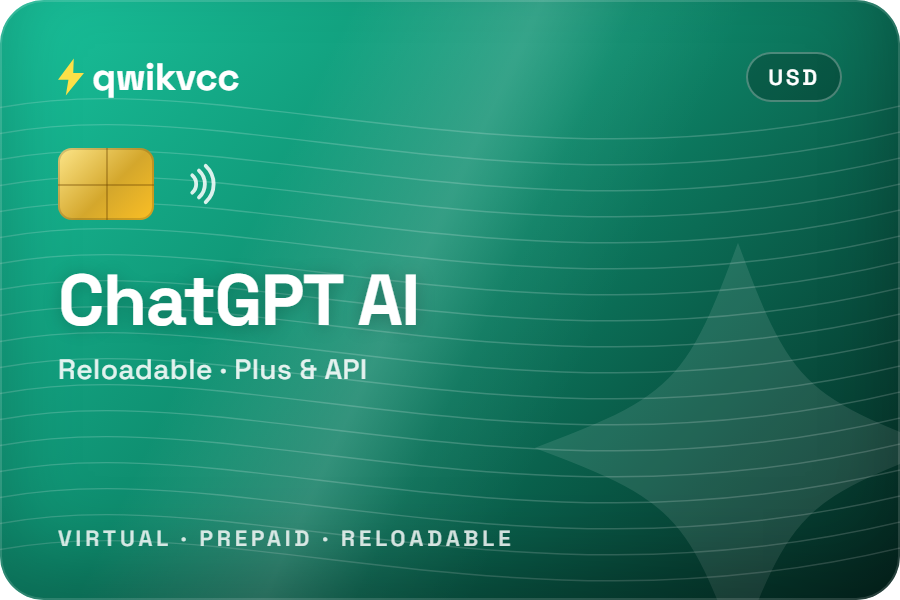
ChatGPT AI Reloadable Card
Set up for ChatGPT Plus and other ChatGPT subscriptions. Not for OpenAI API credits.
$150 one-time price
View card
Talk to us
Questions about a card or an order? Pick how you'd like to reach us.



Pay for ChatGPT Plus and other ChatGPT plans on chatgpt.com with a prepaid, reloadable virtual card from Qwikvcc. Buy it with crypto, find the card details in your dashboard straight away, and keep your AI subscription on a card of its own. Not for OpenAI API credits.
Qwikvcc is not affiliated with OpenAI. OpenAI decides which payment methods it accepts.
Yes: Qwikvcc customers pay for ChatGPT Plus with the ChatGPT card. It's for ChatGPT plans bought on chatgpt.com. It is not for OpenAI API credits: OpenAI says "Prepaid cards cannot be used to purchase API credits". OpenAI still decides on each payment, and ChatGPT is only available in OpenAI's supported countries. OpenAI: why a card is declined
Pick the one that matches. ChatGPT is billed in different places depending on where you subscribe.
Prices are set by OpenAI, in US dollars before tax. Tax may be added depending on where you live.
| Plan | Price | Billing |
|---|---|---|
| Go | $8 a month | Monthly |
| Plus | $20 a month | Monthly only, no yearly option |
| Pro | From $100 a month | Monthly, in tiers |
| Business | $25 per user a month | Monthly or yearly ($20 per user), at least 2 users |
Prices from OpenAI's pricing page, checked 16 October 2026. They can change; OpenAI's page is always right.
Choose your plan and how much you've loaded on the card. We'll show how many renewals it pays for and when to top up.
An empty card does not cancel your plan. To stop paying, cancel your plan in ChatGPT's settings.
Prepaid, reloadable virtual cards in USD. Pick the ChatGPT card for ChatGPT alone, or the universal card if you pay for several AI tools.
Set up for ChatGPT Plus and other ChatGPT subscriptions. Not for OpenAI API credits.
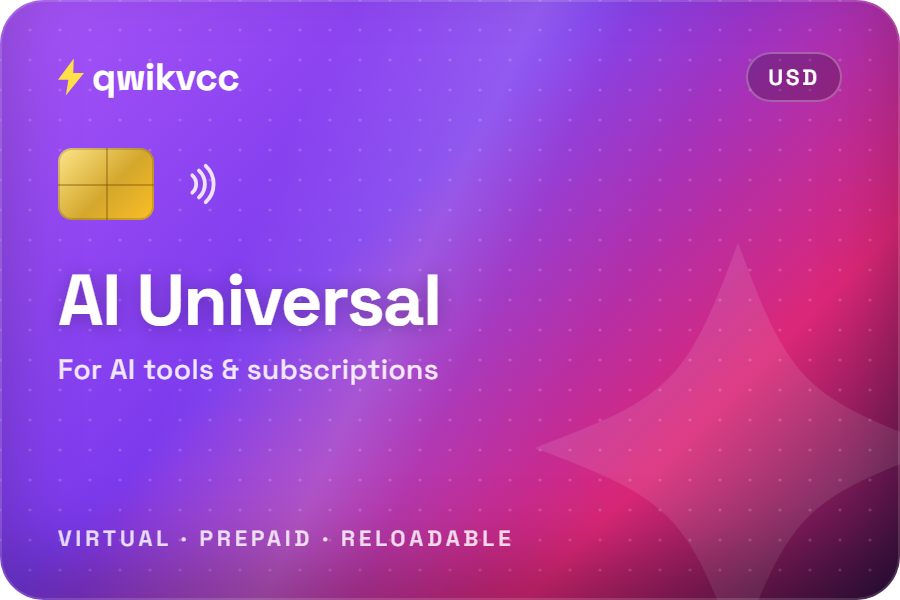
One card for several AI tools and subscriptions, with a balance you control.
Want to know a card's starting balance, reload fees or limits? Ask Qwikvcc support before you buy.
For plans bought on chatgpt.com.
ChatGPT can be billed by OpenAI, Apple or Google. Each is separate: a plan bought in one doesn't show up in the others.
Avoid paying twice. If you already pay through Apple or Google, cancel that subscription before you subscribe on chatgpt.com with your Qwikvcc card. OpenAI's guide
Pick what you're seeing. Each answer follows OpenAI's own help pages.
| Qwikvcc prepaid card | Your bank card | Apple or Google billing | |
|---|---|---|---|
| ChatGPT on the web | Yes: customers pay Plus with it | Yes | No, app only |
| OpenAI API credits | No: OpenAI rejects prepaid cards | Yes, credit or debit | No |
| Needs a bank account | No | Yes | A card or balance in your store account |
| Pay with crypto | Yes: fund your Qwikvcc balance | No | No |
| Most you can be charged | Only what's on the card | Your limit or balance | Your store payment method |
| Where to cancel | ChatGPT settings | ChatGPT settings | Apple or Google subscriptions |
Add funds to your Qwikvcc balance with crypto, then buy the card from your balance. Some coins add a small fixed network fee on top, shown before you pay. The card details appear in your dashboard as soon as you buy, never by email.
Full pricingYes. Qwikvcc customers pay for ChatGPT Plus with the ChatGPT card on chatgpt.com. OpenAI still decides on each payment, so if a payment is declined, check the troubleshooter on this page.
No. OpenAI says prepaid cards cannot be used to purchase API credits. For the API, use a standard credit or debit card from your bank.
OpenAI does not list crypto as a payment method. With Qwikvcc you add funds to your balance with a coin such as USDT or Bitcoin, buy the card from that balance, and pay ChatGPT with the card.
The usual causes are details that don't match, not enough money on the card for the price plus tax, a verification step that didn't finish, or being outside OpenAI's supported countries. The troubleshooter on this page walks through each one.
No. OpenAI bills Plus monthly only, so your card is charged every month.
App subscriptions are billed by Apple or Google, so the card would go into your Apple or Google account, not into ChatGPT. To pay with the card on chatgpt.com, cancel the app subscription first so you aren't charged twice.
No. Cancel your plan in ChatGPT's settings. If you only let the card run empty, the renewal fails but the plan isn't cancelled.
Yes. The AI Payment Universal Card is set up for several AI tools and subscriptions on one balance.
ChatGPT is only available in OpenAI's supported countries, and OpenAI also checks where the card was issued. A card does not change either. Check OpenAI's list, and ask us if you're not sure.
Pick a card, pay with crypto and add it on chatgpt.com in a few minutes.
ChatGPT and OpenAI are trademarks of OpenAI. Qwikvcc is not affiliated with, endorsed by or sponsored by OpenAI. OpenAI facts on this page last checked against OpenAI's help pages on 16 October 2026.